
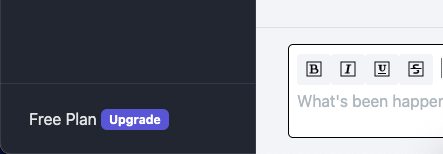
After signing up, make sure you have confirmed your email address and have logged on to the app. In the bottom left, you should see a button marked "Free Plan" (with a note to upgrade!):
Click the button and the Subscriptions Page opens:
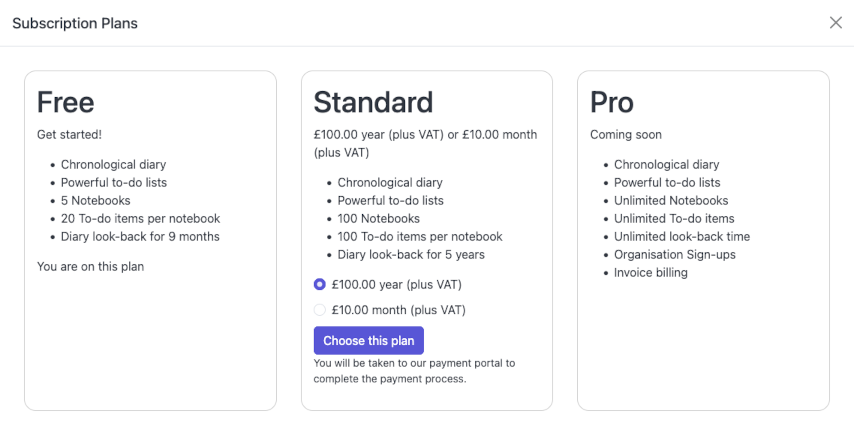
From there, select the subscription you would like and click "Choose this plan". You'll be taken to our payment partner's secure payment page where you can enter your credit card details.
Please note: Worknotes does not have access to, or keep your credit card details. They will be securely stored and used by Stripe in accordance with your subscription schedule. If you wish to see when your subscription renews, or to cancel your subscription you can return to the subscription page by clicking on the Plan button again (at the bottom left of the app).